Plugins and MCP
Extend Enterprise agents with portable plugins and skills in the agent-plugins.org format and with your own MCP servers over Streamable HTTP or SSE.
Enterprise extends what agentsagentAn AI agent of PentAGI: a model with its own prompt, settings and tools that does one kind of work in a flow, such as testing, writing code or searching the web. can do through Agent Plugins — packages in the open agent-plugins.org format with skills, MCP serverMCP serverIn Enterprise, a server that speaks the Model Context Protocol and gives agents additional tools. declarations and PentAGI-specific profiles.
my-plugin/
├── plugin.json      manifest (required)
├── skills/          Agent Skills
├── mcp.json         MCP server declarations
└── com.pentagi/     requirements and agent profiles
Progressive disclosure
A planner sees each pluginpluginIn Enterprise, a package in the open Agent Plugins format that adds skills, MCP servers and agent profiles.'s name, a short description, its skill names and the MCP servers it needs. The skills of the plugins it selects go into the working agent's prompt, their MCP functions become the agent's toolstoolWhat an agent acts through: a built-in capability such as the terminal, the isolated browser or web search, or a program in the sandbox such as nmap, metasploit or sqlmap. — at most 20 per subtasksubtaskOne step of a task. PentAGI plans the subtasks of each task and adjusts them as the work goes on. — and scripts and references are read on demand inside the container, so a large catalog costs little until a plugin is selected.
MCP servers
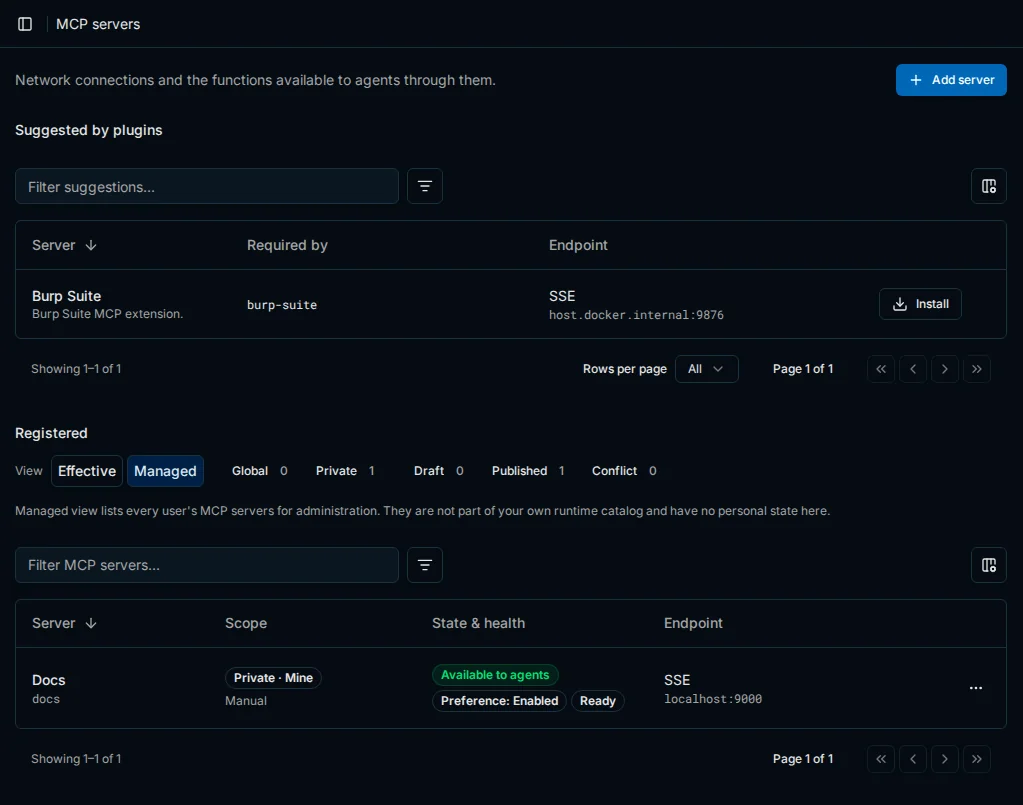
MCP servers are connected in Settings → MCP Servers over Streamable HTTP or legacy HTTP+SSE. Servers that only speak stdio run behind an MCP gateway on your network; PentAGI never launches a plugin-provided executable outside its sandboxsandboxThe isolated Docker container in which agents run their tools. The interface shows it as Terminal..
PentAGI refuses MCP endpoints on private, loopback, link-local and metadata addresses unless MCP_ lists the range, so for a gateway on your network set its prefix, for example 10.8.0.0/. Plain HTTP is accepted only for localhost, loopback addresses and host.docker.internal.
A new server stays off until it is switched On under Availability: administrators set the Default for users, and each user can override it under My state. Agents reach a server through a plugin that binds its functions, or directly once you turn on Offer without a plugin and pick the functions (Allow direct use).
Credentials are write-only: you enter them when you add a server and can replace or revoke them later — revoking also switches the server off — and the API never returns them. They are encrypted with MCP_ (64 hex characters; the installer generates one). Back the key up: once credentials are stored, PentAGI does not start without it.
Plugins
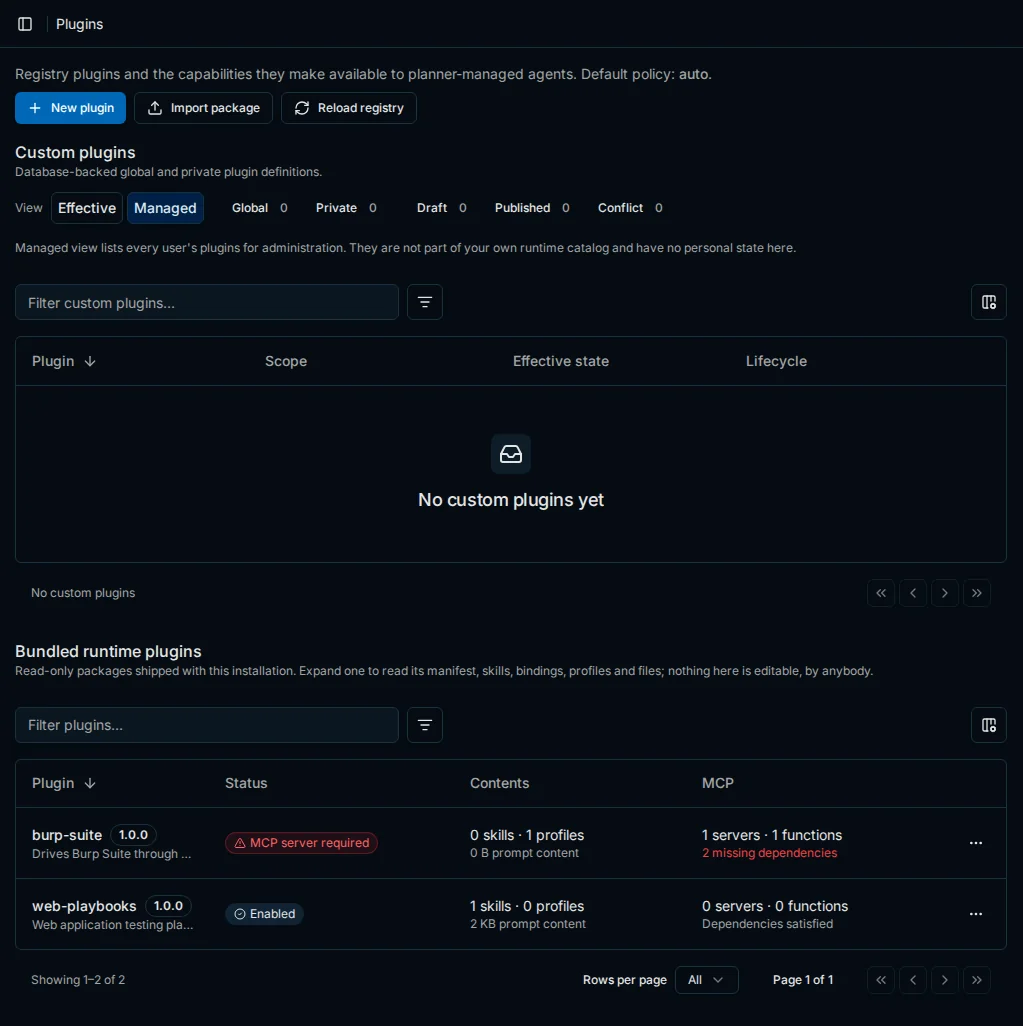
Add a plugin in Settings → Plugins with New plugin or Import package (a .tar.gz file); an imported package arrives as a draft and is offered only after you publish it. Packages placed in PLUGINS_ (/ inside the container) appear under Bundled runtime plugins after Reload registry.
Plugins become available to planners only when the MCP servers they require are installed and enabled. Administrators set each plugin's Default for users — On, Default or Off — and each user can override it under My state for bundled plugins or My override for the others. Default follows PLUGINS_: auto, the default, offers every plugin whose MCP servers are ready, while manual offers a plugin only once it is switched On.
Last updated on