LLM providers
Connect PentAGI to built-in providers such as OpenAI, Anthropic, Gemini, Bedrock and Ollama, or to any OpenAI-compatible endpoint, with failover.
PentAGI needs at least one language model providerproviderA service or server that gives PentAGI its language models, such as OpenAI, Anthropic or a local Ollama.. Credentials are set on the server in .env; each flowflowOne run of PentAGI: a goal, the tasks created from your messages, and everything the agents did along the way. then picks the provider it runs on, and every agent typeagent typeThe role an agent plays, such as pentester, coder or searcher. Model settings are chosen per agent type. can use its own model settings.
Built-in providers
| Provider | Key variable | Endpoint override |
|---|---|---|
| OpenAI | OPEN_ | OPEN_ |
| Anthropic | ANTHROPIC_ | ANTHROPIC_ |
| Google AI (Gemini) | GEMINI_ | GEMINI_ |
| AWS Bedrock | BEDROCK_ + one auth method | BEDROCK_ |
| Ollama | OLLAMA_ (OLLAMA_ for Ollama Cloud) | — |
| DeepSeek | DEEPSEEK_ | DEEPSEEK_ |
| GLM (Zhipu AI) | GLM_ | GLM_ |
| Kimi (Moonshot AI) | KIMI_ | KIMI_ |
| Qwen (Alibaba Cloud) | QWEN_ | QWEN_ |
| MiniMax | MINIMAX_ | MINIMAX_ |
| Mistral | MISTRAL_ | MISTRAL_ |
| xAI (Grok) | XAI_ | XAI_ |
AWS Bedrock authentication
Set BEDROCK_ and choose one method:
BEDROCK_DEFAULT_AUTH=true          # AWS SDK default credential chain (EC2/ECS roles)
# BEDROCK_BEARER_TOKEN=...         # bearer token
# BEDROCK_ACCESS_KEY_ID=...        # static credentials
# BEDROCK_SECRET_ACCESS_KEY=...
Anthropic without a long-lived key
Instead of ANTHROPIC_, Anthropic can be used with Workload Identity Federation through ANTHROPIC_, ANTHROPIC_, ANTHROPIC_ and an identity token (ANTHROPIC_ or ANTHROPIC_).
Custom and OpenAI-compatible endpoints
Any OpenAI-compatible API — vLLM, LiteLLM, OpenRouter, DeepInfra, Atlas Cloud, the OpenCode Go plan or an Azure OpenAI deployment — is connected as the custom provider:
LLM_SERVER_URL=https://your-endpoint/v1
LLM_SERVER_KEY=your_key
LLM_SERVER_MODEL=model-name
LLM_SERVER_CONFIG_PATH=/opt/pentagi/conf/custom.provider.yml
LLM_ is required: for a server without authentication, such as vLLM by default, set any non-empty value — with an empty key the custom provider is disabled. LLM_ switches the custom provider to Azure OpenAI. A provider config file lets you assign a model and parameters per agent type; start from examples/ in the repository and replace its o3-mini, which OpenAI retires on 23 October 2026.
Failover
LLM_ names a second provider: a built-in one with credentials in .env, such as anthropic, or a provider the flow's owner saved in Settings → Providers. A model call that fails is repeated once on it and the switch is recorded in the trace; the next call starts on the flow's own provider again.
Choosing models
- Use your strongest model for
primary_,agent pentesterandadviser; lighter models work forsearcher,enricherand summarization. - For open models under 32B parameters, enable execution monitoring and task planning.
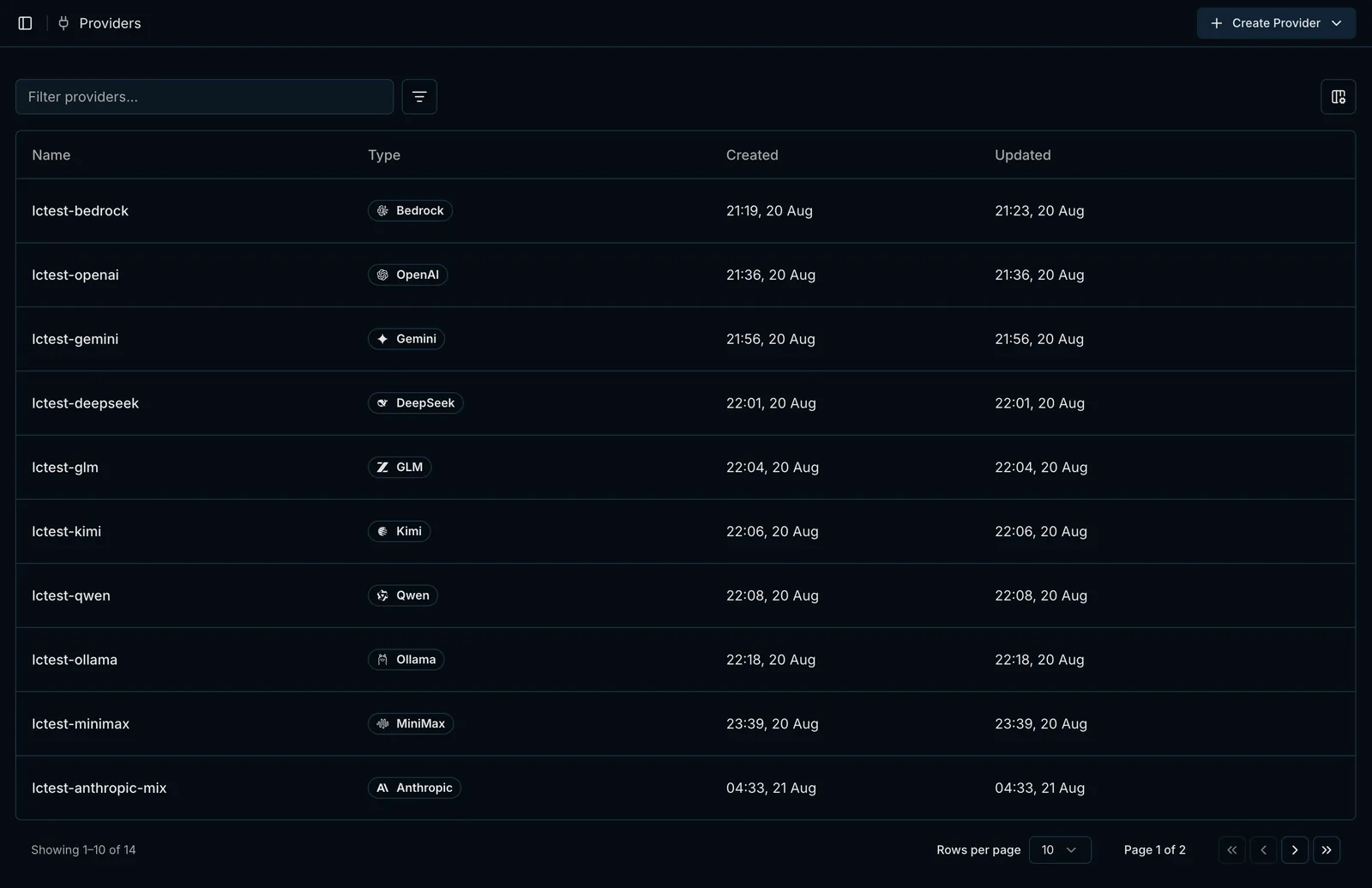
- Settings → Providers holds the provider profiles you create on top of the configured types — Create Provider offers only the types with credentials in
.env— and the profile form tests a configuration before you save it.
Last updated on